Facebook
 Google
 GitHub
 Linkedin

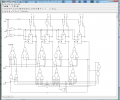
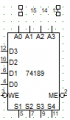
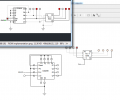
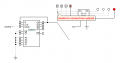
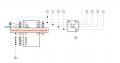
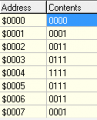
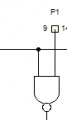
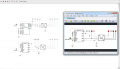
When you save a template, you want to make sure you have the pins turned off so you won't see the boxes on the pins:Update; Here is my evolution; Its Not done yet.
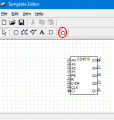
When you're associating pins, you don't have to save the template after each pin. You just need to save it when you're finished. That's when you want to turn the pins off. Make sure you save the .dwg file too, and make sure the name is correct.
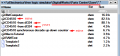
If you want the display in Parts Center to be something other than the file name, use Tools -> Options -> Name Macro to give a more meaningful description. If you use an existing .dwg file to make a new macro, make sure you change the macro name or you'll have duplicates in Parts Center.


 haha.
haha.