Facebook
 Google
 GitHub
 Linkedin
Dear All
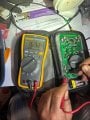
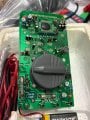
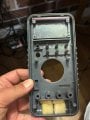
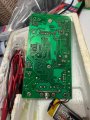
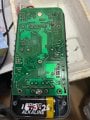
I have got a spare multi meter (secondary one) that was sitting on shelf for couple of years and today I switched one to check if battery is dead or not and it was displaying reading on LCD,,,,but I thought it is good idea to replace battery although it wasn't dead to avoid any feature leaking
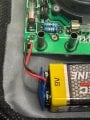
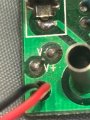
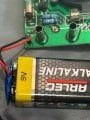
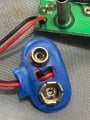
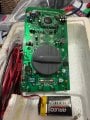
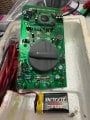
I replaced old battery with new one (yes new one and I checked voltage of it by using my primary fluke mutilimeter and it was reading 9.6V) but unfortunately multimeter not displaying anything on its LCD and used the old battery which was working again but same issue no display
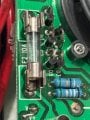
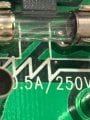
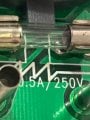
I checked two fuses by looking at the them internal wire is not broken and no smoky/cloudy appearance, or a dark brown/black stain on the glass (I don't have spare fuse to check)
What else need to be checked ?
Thx
I have got a spare multi meter (secondary one) that was sitting on shelf for couple of years and today I switched one to check if battery is dead or not and it was displaying reading on LCD,,,,but I thought it is good idea to replace battery although it wasn't dead to avoid any feature leaking
I replaced old battery with new one (yes new one and I checked voltage of it by using my primary fluke mutilimeter and it was reading 9.6V) but unfortunately multimeter not displaying anything on its LCD and used the old battery which was working again but same issue no display
I checked two fuses by looking at the them internal wire is not broken and no smoky/cloudy appearance, or a dark brown/black stain on the glass (I don't have spare fuse to check)
What else need to be checked ?
Thx
Attachments
-
 167.8 KB Views: 6
 -
 160.9 KB Views: 6
 -
 152.1 KB Views: 7
 -
 240.2 KB Views: 8
 -
 151.8 KB Views: 8
 -
 296.4 KB Views: 8
 -
 291.5 KB Views: 7
 -
 284.2 KB Views: 7
 -
 219.3 KB Views: 7