Facebook
 Google
 GitHub
 Linkedin
Learning to solder small components of a laptop motherboard and I started with the SIO chip , well I wanted to know how can you tell which way to solder it to the motherboard , Of course I forgot to remember but they maybe a case where one is not on the motherboard .<a href="https://imgur.com/9nfopMP">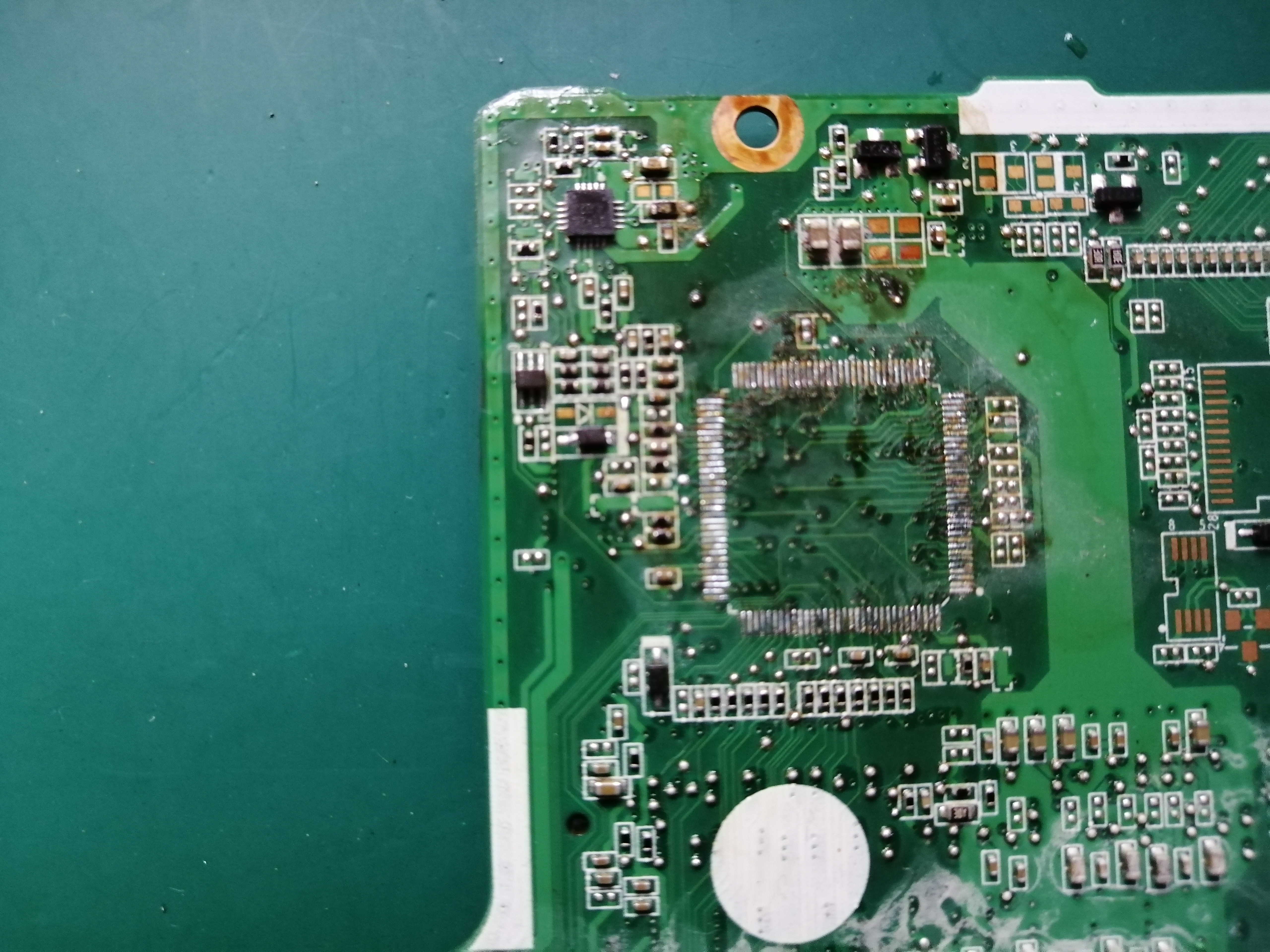 <a href="https://imgur.com/m7aarQL">
 <a href="https://imgur.com/m7aarQL">